Everything stays local.
Nothing leaves your Mac unless you click Share. No telemetry is collected.
Nothing leaves your laptop unless you share.
Comes in at setup
- Three files from sizemylaptop.com
- Each checked against its SHA-256 fingerprint
- Installs nothing else: no pip, no password (needs Python 3)
Stays on your laptop
- A reading every 30 minutes
- The charts and the report
- Nothing about which apps you run
Uploaded: nothing. Accounts: none.
Leaves only if you share it
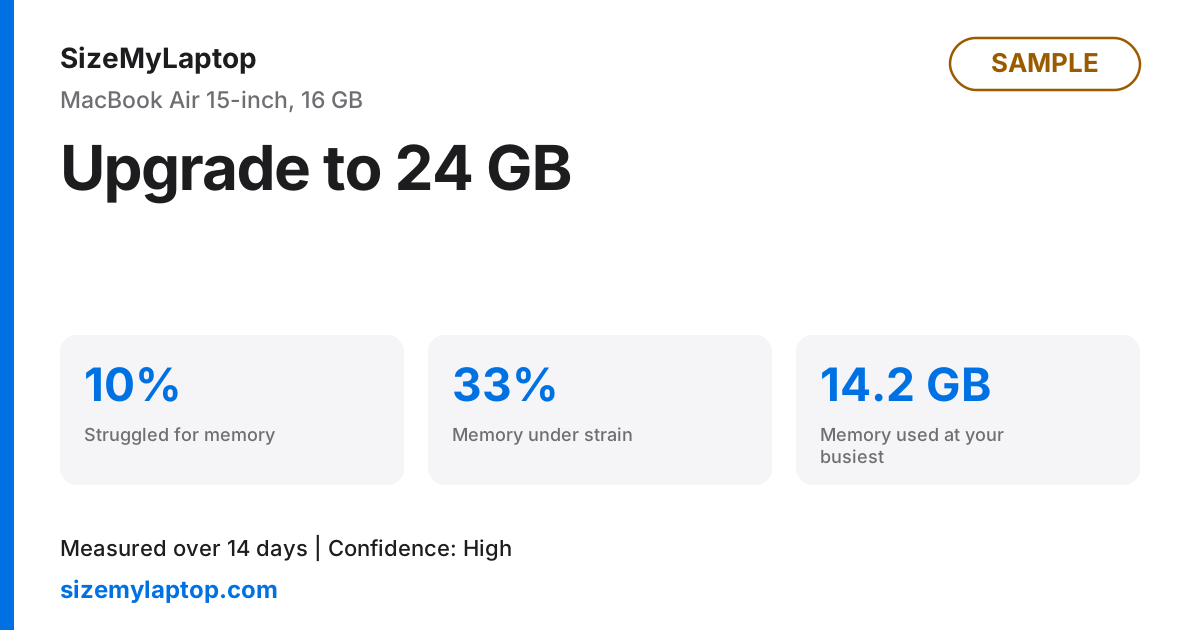
The answer and three numbers. No program names.
Setup makes three requests, all to this site.
You run the install command.
It fetches install.sh on a Mac, install.ps1 on Windows.
sizemylaptop.com
The script downloads the tool.
The archive and SHA256SUMS. It unpacks only if the SHA-256 matches. No pip, no package manager, no password.
sizemylaptop.com
Then nothing.
Recording and building the report use no network.
No network
The same list, as text
Nothing leaves your Mac unless you click Share. Setup does make network requests, and these are all of them. The install command fetches the install script (install.sh on a Mac, install.ps1 on Windows) from sizemylaptop.com. The script then downloads the tool archive and a file of checksums, SHA256SUMS, from sizemylaptop.com, and unpacks the archive only if its SHA-256 matches. The tool installs no other software: no pip, no package manager, no administrator password. Recording and building the report use no network at all. The only other network request is baseline share, which you run yourself and which shows you the exact figures first.
It records six figures and never reads your apps.
Every 30 minutes, for 14 days
- Memory pressure
- Memory in use, and swap
- CPU and GPU load
- Installed memory and laptop model
Never read
- Screenshots, files, app or process names
- Your computer name or user name
- No administrator password
What the installer writes
Four things and nothing else: the tool in ~/.local/share/sizemylaptop (Windows: %LOCALAPPDATA%\sizemylaptop), one command in ~/.local/bin, your captures in ~/MacBook-Baseline once you run baseline start, and one background job named com.sizemylaptop.capture, visible in System Settings under Login Items. You can read the installer before you run it: the install panel shows how.
Sharing is your choice, and you can undo it.
- You run baseline shareIt prints the exact figures first and asks you to confirm before anything goes.
- A private page appears at an address nobody can guessSummary numbers and your verdict. No names, no app list, no dates, no identifier of your computer.
- You delete it whenever you likeWith baseline unshare, or the Delete button on your delete link. It disappears at once, and expires after 90 days by default.
Legal basis, storage and processors
The page says it is self-reported from the owner's laptop. Hosting backups may keep a deleted row for a limited window before it rolls out. The sharing page stores no IP address.
The legal basis is your consent, given when you confirm the send, and you withdraw it by deleting. Cloudflare hosts the site and the database and is our processor; like any host, its edge logs ordinary web requests.
If you lost the delete key, write to [email protected] with the report link and we will delete it.
The early access form keeps five things.
What we store
- Work email
- Fleet size
- Operating system mix
- Device management tool
- Time of request
We do not store your IP address.
- No analytics scripts
- No cookies
Abuse protection keeps a hash briefly.
- You send the formSame email twice changes nothing.
- A salted one-way hash of your IP address and a counter are keptNot linked to your request. Cannot be turned back into the address.
- After ten minutes both stop counting, and the next request clears themThere is no timer on our host, so the next sign-up, share or view of a shared report deletes them. On a quiet day they can sit a little longer, unused.
Want your request deleted?
Write to [email protected] with the email you entered. We delete it.